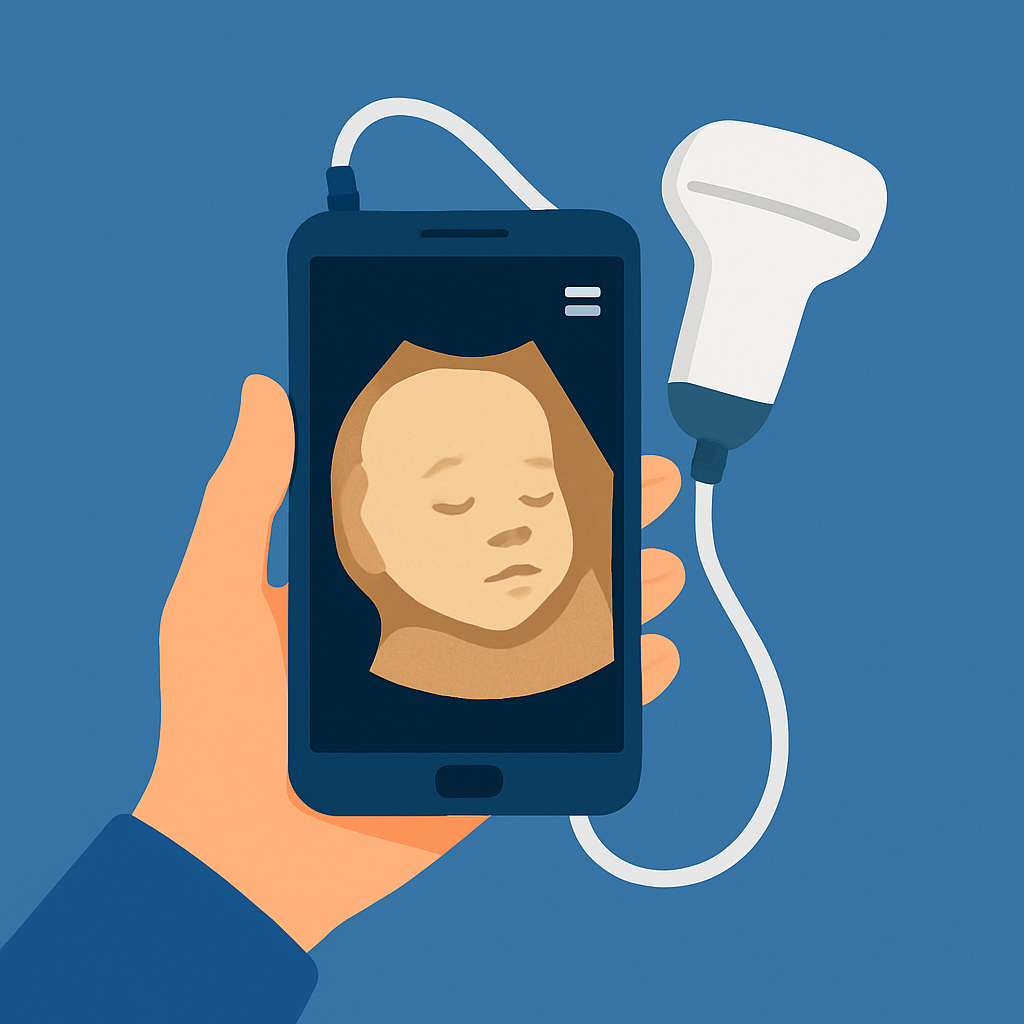
Warning: no app shows your baby's face before birth. The image of the baby is generated by an ultrasound performed at the clinic by a professional. The apps on this list are for entertainment purposes only: they mix photos of the parents and create a playful result, without any predictive value.
An app to see your baby's face? During pregnancy, one of the biggest curiosities for parents is to discover what their baby's face will look like. Thanks to technological advancements, there are apps that create a playful image from the parents' photos. Today, there are... apps to see baby's face which utilize advanced resources, such as artificial intelligence and photos of the parents, to generate a playful image.
Besides providing unique moments for the family, these apps also help create an even stronger bond between parents and baby. Some also ask for an ultrasound photo to complete the montage — but the result remains a playful image, without any scientific basis.
Below, you will learn about the best apps available for this, understand how they work and find out how to download these innovative tools right now.
Is it possible to see the baby's face before birth?
Getting a true idea of your baby's face before birth is only possible with imaging tests done in a clinic, such as 3D and 4D ultrasounds. The apps on this list don't do that: they create playful montages from the parents' photos, without any predictive capability.
The results are not accurate at all: they are entertainment montages. Still, the game can be exciting for mothers and fathers who want to share the anticipation with family members or keep it as a memento.
Additionally, several apps offer additional features such as image storage, pregnancy diaries, and weekly tracking notifications.
1. BabyFace Generator: App to see baby's face
BabyFace Generator is one of the most popular apps when it comes to predicting what a baby's face will look like. It uses artificial intelligence to cross-reference data and photos of the parents and, from there, generates an approximate image of the baby's face at different stages of infancy.
In addition to its main function, the app allows you to save, share and even compare multiple versions based on different photo combinations. It’s a fun but also quite emotional tool for pregnant couples.
Even though the result is based on simulations, BabyFace Generator has won over thousands of users around the world by creating unique experiences. Therefore, it is an excellent app to see baby's face with practicality and emotion.

BabyGenerator Guess baby face
Android2. Pregnancy App & Baby Tracker: the serious option on the list
The second on the list doesn't simulate any face at all — and that's exactly why it's here. The Pregnancy App & Baby Tracker (from BabyCenter) tracks pregnancy week by week with information about the baby's development based on medical literature.
The app features illustrative images and videos of fetal development at each stage, as well as a pregnancy diary, kick counter, and tools for parents. It's the choice for those who prefer real information instead of games.
Furthermore, it's possible to record and organize photos from your ultrasound exams performed at the clinic. It's ideal for those who want to track their pregnancy with reliable information all in one place.

Pregnancy App & Baby Tracker
Android3. AI Baby Generator: Face Maker — photo montages with parents' photos.
AI Baby Generator: Face Maker is a lighter, more casual app. It mixes photos of the parents with artificial intelligence filters and generates a playful image of the supposed baby — pure entertainment, with no prediction whatsoever.
Although not entirely accurate, the app allows you to create fun moments during pregnancy. The collages can be saved and shared with family.
It's an option to share with family or create creative memories. Simple and straightforward, it fulfills its purpose of entertaining — always making it clear that the result is a montage, not a prediction.
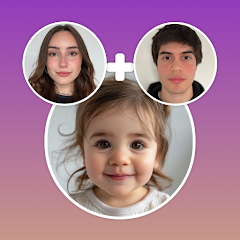
AI Baby Generator: Face Maker
AndroidExtra features of the App to see the baby's face
In addition to see the baby's face on the cell phone, the most modern apps offer a series of additional features that enrich the pregnancy experience. Among them, the following stand out:
- Pregnancy diary: where parents can record important milestones, such as the date of the first kick or finding out the baby's gender.
- Photo gallery: storage of ultrasounds, simulations and personalized images generated over the weeks.
- Timeline: baby's development in each trimester, with detailed descriptions of each stage of development.
- Integration with external sensors: in some cases, it is possible to connect devices that capture the baby's heartbeat or movement.
These functions make apps true pregnancy assistants, going beyond simple visual curiosity.
Safety and reliability in use
Although it is exciting Imagine the baby's face., It's important to remember that no app is based on real medical data. Therefore, it's always worth checking if the app has good reviews and respects privacy standards.
Apps like Pregnancy App & Baby Tracker provide pregnancy tracking information based on medical literature. Apps like BabyGenerator, on the other hand, focus solely on the emotional and fun experience.
Before trusting the images generated, it is essential to talk to your obstetrician and keep your prenatal care up to date. The use of apps should be complementary, never a substitute for professional monitoring.
How to download an app to see your baby's face
To download any of these applications, simply access the Play Store, type the name of the desired app and click on “free download”. In just a few seconds, the app will be installed on your phone, ready to use.
Most apps are compatible with both Android and iOS. Some require you to upload ultrasound images, while others only work with photos of the parents. Read the instructions and permissions carefully before using.
With just a few clicks, you can start this exciting journey and follow your baby's development more closely. Enjoy every moment!
Conclusion
Seeing your baby's face even before birth is an emotion that only an ultrasound done at the clinic truly provides. The apps on this list serve a different purpose: generating fun collages from the parents' photos or tracking the pregnancy's development with reliable information.
Apps like BabyGenerator, Pregnancy App & Baby Tracker, and AI Baby Generator offer different approaches—from information to entertainment—but they all share the same purpose: to make the wait for your baby more special.
If you haven't tried it yet, now is the time. Do it free download from the ideal app, share with those you love and celebrate this special moment in a modern and unforgettable way.
Step-by-step to get started
- Work on a copy. Duplicate the image before editing. Good apps do this automatically, but double-checking prevents losing the original.
- Adjust the light before applying the filter. Exposure, contrast, and shadows first; filtering later. In reverse order, the filter amplifies the flaw.
- Crop with the purpose of taking into account where the photo will end up. Square and vertical 4:5 for social media, 16:9 for screen. Crop after exporting and recompress again.
- Export at the highest quality available. If you're going to print, look for the high-resolution export option — some free versions reduce the resolution without warning.
Traps that catch almost everyone
- Increasing the resolution in the hope of revealing detail — the program estimates pixels, it doesn't retrieve information.
- Granting access to all photos when the app only needs one.
- Saving after each adjustment and watching the image lose sharpness without understanding why.
- Discovering the watermark only when exporting, after half an hour of editing.
The alternative that is already included in the system
The phone's built-in gallery editor already handles cropping, light adjustment, object removal, and perspective correction in recent versions of Android and iPhone. For quick adjustments, it solves the problem without installing anything or sending the image externally.